
For construction teams
From the first site visit to job handover.
A homeowner sends deck photos. Your estimator needs measurements, your crew needs the latest drawing, and the homeowner wants to know when you can start.
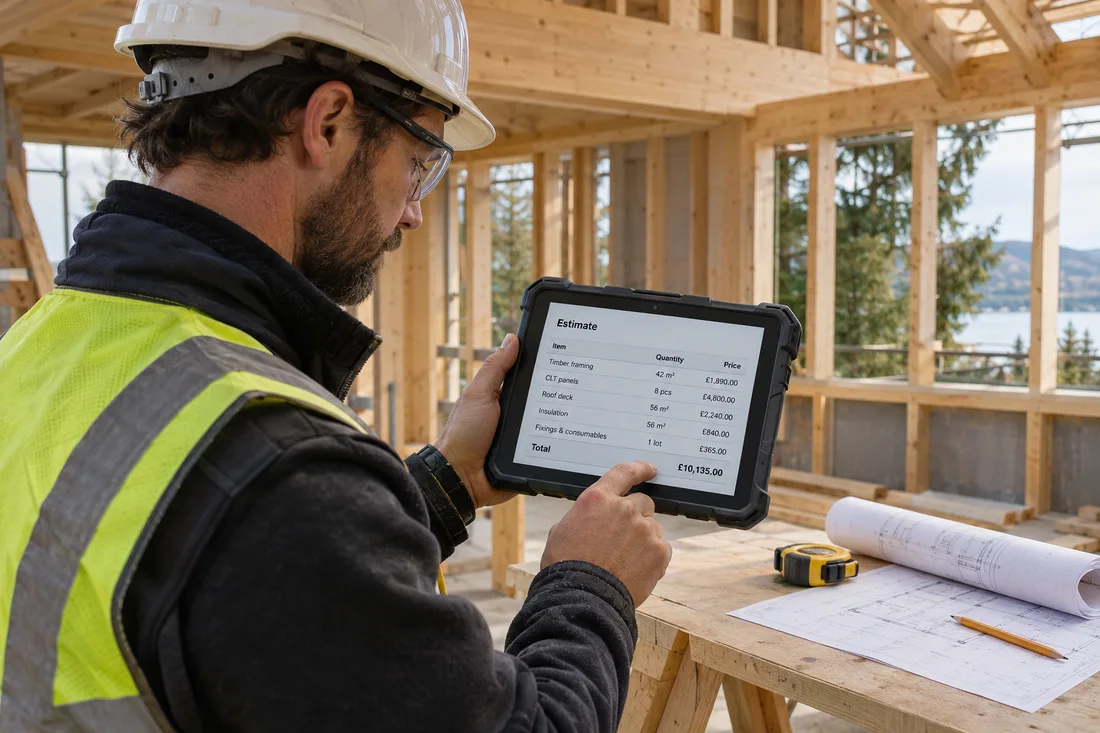
From deck enquiry to site visit
A Georgian Bay crew checks a cottage deck against the drawing. With the measurements and site photos on the job, the office can price a change before the next cut.
Start a Project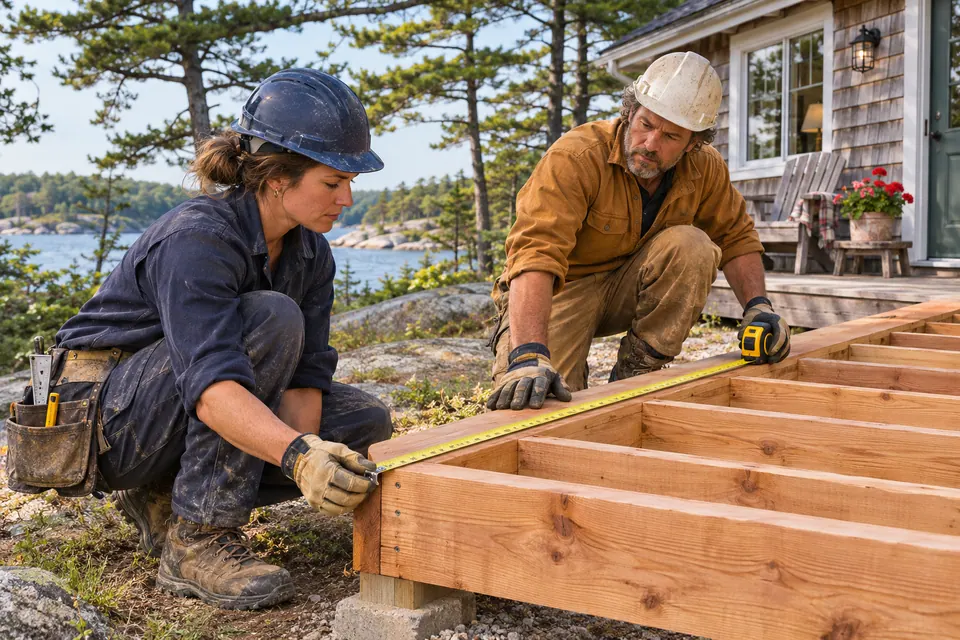
Website
Show finished decks and ask for photos, the site address and a preferred start date on the estimate form.
See the website packageCustom App
Give the estimator a phone form for dimensions, access notes and annotated photos. The office gets one site record to price from.
Explore custom appsAutomation
When the site visit is booked, add the measuring checklist to the estimator’s tasks and send the homeowner the visit details.
Explore workflow automationWebsite AI
A visitor asks whether you build on sloped lots. A website assistant could explain your site-visit policy and pass the photos to an estimator for a decision.
Explore Website AITry Ask Caitlin on this site. A customer installation is scoped by enquiry. Discuss this workflow
Keep one record for each job
Bring the customer, quote and responsibilities together.
Example workspace
Main-floor renovation
Example job record
Site visit
Book the visit and record access notes and measurements.
Estimate
Review the revised scope before sending the quote.
Next task
Confirm the material delivery date and assign the follow-up.
Handover
Review the outstanding items and contact the customer.
Site details
Record the work requested, the property and the next site visit.
Agreed scope
Keep the latest quote and agreed changes with the job.
Closeout
Assign the outstanding items and schedule a customer follow-up.
Which accounts are worth connecting?
Start with what your team already uses. We’ll confirm support and account permissions when we scope your setup.
Google Workspace
Use your estimating inbox and shared calendar for site visits. Customer Gmail is under review.
Google Drive
Keep existing drawings, specifications and handover files together. Confirm file connection support.
QuickBooks Online
Consider finance reporting for the bookkeeping account you use. Confirm reporting access in scope.
Bring us one job to map
Tell us where the estimate, drawings and job dates live today. We’ll confirm the available setup for your team.