
Website
Publish the route, duration and meeting point. A group organizer can ask about a date, group size and accessibility before booking.
See the website packageEvents & Tours
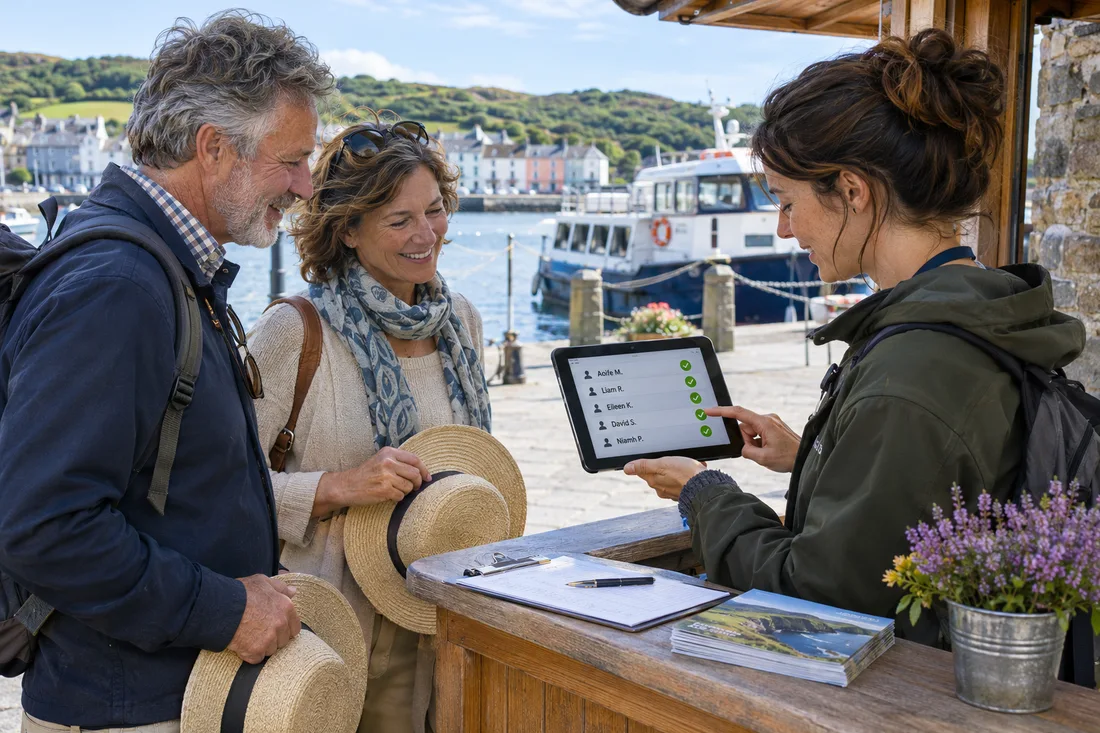
A group wants Saturday’s walking tour. Guests need the meeting point, while the guide needs a head count and the latest instructions.
On a Saturday walk through Old Québec, one guide greets the group while the other checks the route. When the meeting point changes, the tour lead can update the outing in the Command Center and assign someone to call the guests who still need directions.
Start a Project
Publish the route, duration and meeting point. A group organizer can ask about a date, group size and accessibility before booking.
See the website packageGive the guide a mobile guest list for check-in, with the latest group count and a contact for anyone running late.
Explore custom appsOnce a booking is confirmed, schedule the meeting-point email and create a reminder for the guide to check the forecast.
Explore workflow automationA Messenger assistant could answer “Where do we meet?” from your approved tour details and pass a private-group request to the organizer.
Explore Messenger AICeltic North uses Messenger AI on its own Facebook Page. A setup for your Page is by enquiry. Discuss this workflow
Record who's coming, the preferred date, accessibility needs and who owns the follow-up.
Lay out stops, venues and deadlines. Assign someone to confirm each item before the event.
Record issues to resolve, check supplier follow-ups and schedule a client check-in.
Tools to discuss: Customers, Quotes, Calendar, Tasks, Files.
Start with the accounts your team uses today. These are recommendations to review during setup. We confirm available connections and permissions in your proposal.
Prioritize group enquiry email and the itinerary calendar before adding more accounts.
Customer Gmail under review. Confirm calendar support.
Consider the account that holds itineraries, venue briefs and supplier documents. Check for a shared Workspace sign-in.
Confirm file connection support.
Consider an approved social account for promotion and post-event highlights.
Confirm channel and setup in scope.
Availability-based booking, attendee management and event communications are planned for the Events & Tours suite.
Tell us which tools you already use and where the handoffs get stuck. We’ll confirm the available setup and price before you commit.
Celtic North | [email protected]